Pocha Moonlight: Sort Puzzle
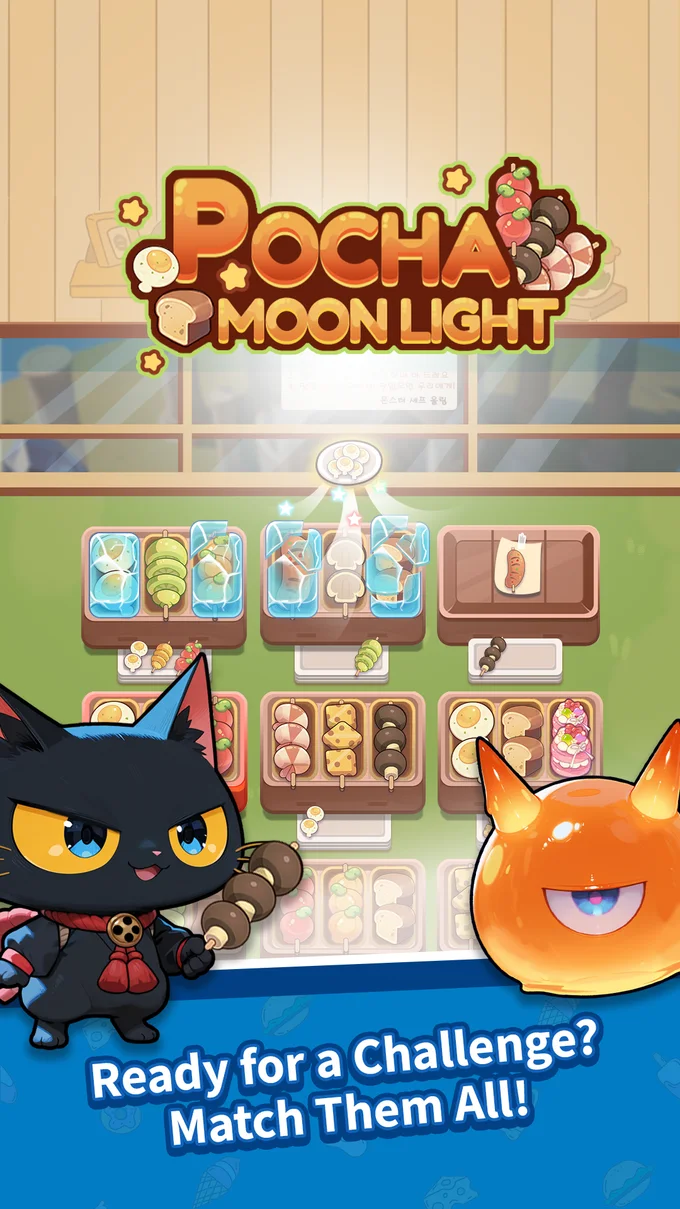
A cozy late-night street-food puzzle — sort and stack skewers until every grill is a perfect match. Easy to start, hard to put down.
- ✓350 data-driven levels
- ✓Ice, stacks & locked trays
- ✓5 boosters for clutch moments
Tonight, the night-market grill is all yours!
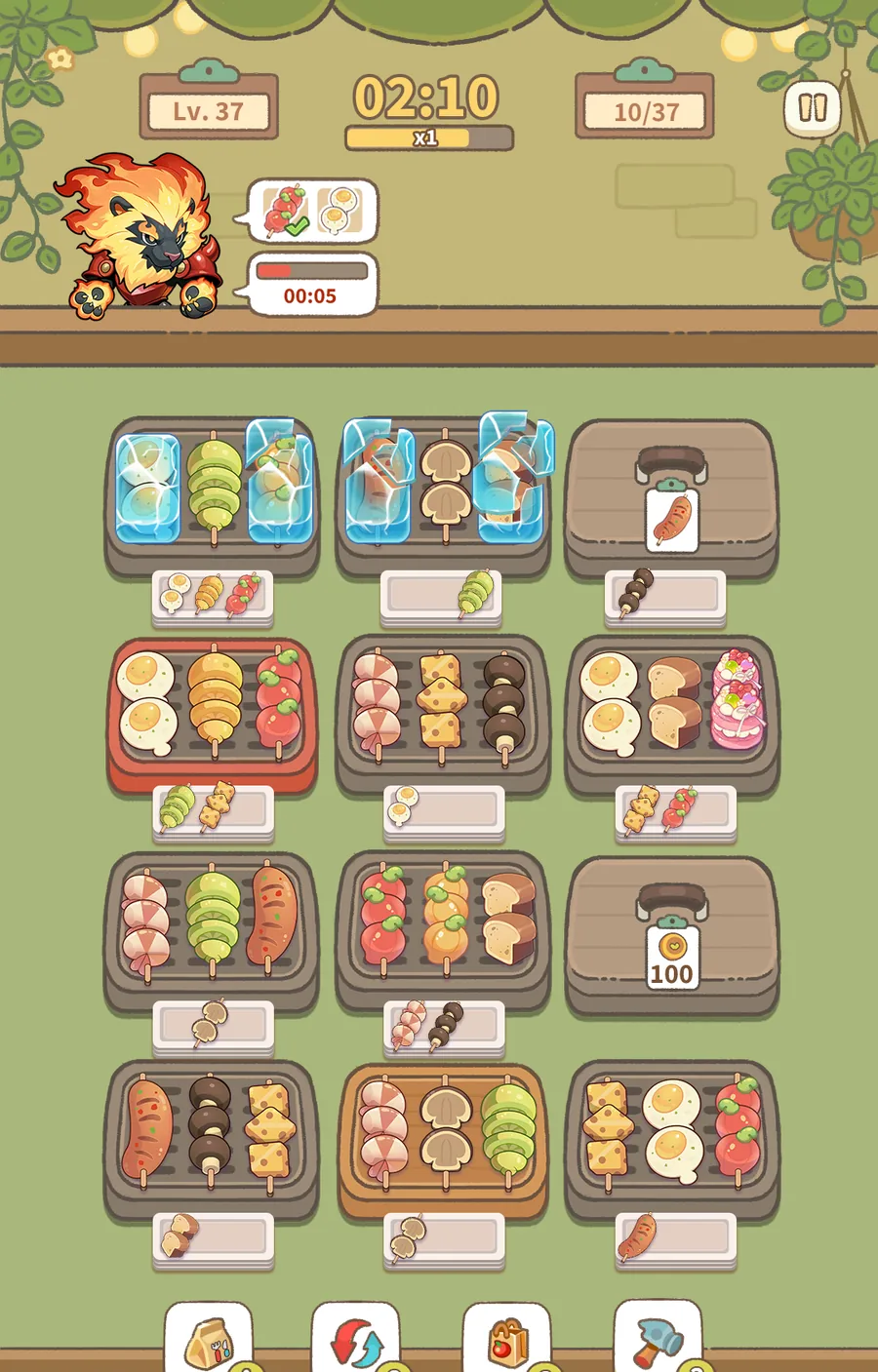
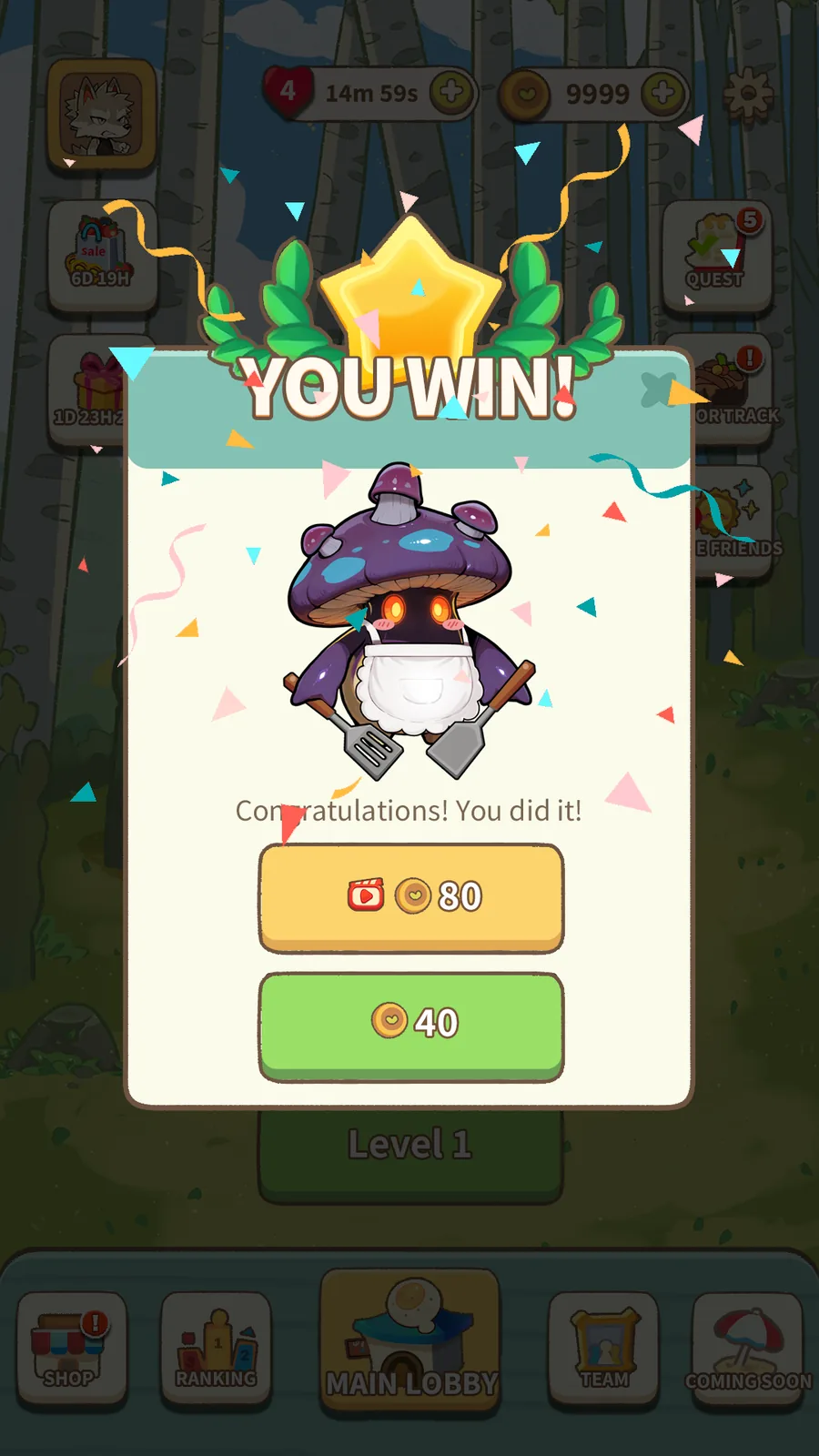
Sizzling tomato, mushroom and chicken skewers are piling up. Drop three of the same food on one tray and pop! They’re gone. Clear the whole grill before the timer runs out and you win! Pocha Moonlight is the cozy food sort puzzle you just can’t put down.
HOW TO PLAY
- Drag food onto any tray with an open spot.
- Gather three of the same food to make a match.
- Clear the grill before time’s up!
PUZZLES THAT KEEP GETTING SPICIER
- Frozen food: keep matching and the ice melts away.
- Stacked trays: clear one and the next food pops up. Think a few moves ahead!
- Locked trays and sneaky new obstacles keep every level fresh.
STUCK? BOOST IT!
- Freeze the timer, shuffle the food, clear a whole set at once, or smash the ice with a hammer. One boost and you’re back in the game!
MORE FUN TOGETHER
- Hundreds of levels that keep getting tastier
- Daily missions packed with rewards
- Weekly leaderboards against friends and players worldwide
- Start or join a team and climb the team rankings together!
Pocha Moonlight is free to play. It contains ads and optional in-app purchases.
Support
Stuck on a payment, a lost account or a bug? Email us — we reply within 3 business days.
Include these in your email:
- your player code — in the lobby, tap your avatar to open your profile popup, then tap Copy
- your device model and OS version
- the store order number (for payment issues)
Refunds are handled by the store you bought from (Google Play / App Store) — we cannot refund directly.
Community
News, events and other players — join us outside the game.
How to play
Basic rules
- Put three of the same food on one tray and they disappear.
- Empty every tray to clear the level.
- Each level has a time limit, except the first level.
- If you do nothing for 10 seconds, a set of matching food shakes as a hint. You get up to five hints per level.
Obstacles
- Ice: Frozen food can't be moved. Make three matches anywhere on the board to melt the ice.
- Stacked plates: Food on the lower plates can't be moved. The lower plates rise only when the tray's top row is completely empty.
- Locked tray: From level 4, almost every level has one. Unlock it with 300 coins or one ad. The timer stops while the unlock window is open.
- Wooden tray: Appears from level 80. You can place food on it, but food never matches there.
Boosters
- Pick Food: Instantly removes one set of three of the same food. It skips frozen food.
- Swap Food: Shuffles the food on unlocked trays. Frozen food stays where it is.
- Pause Timer: Stops the timer for 10 seconds.
- Hammer: Instantly thaws one frozen food. The button only appears when there is ice on the board.
- Choose Item: Tap a type of food and three of it disappear. Frozen food doesn't count.
Lives
- You can hold up to five lives, and one refills every 30 minutes.
- Starting a level uses one life, and you get it back when you clear the level.
- Out of lives? Buy one life for 150 coins or watch an ad to get one life.
- While Unlimited Lives (7, 14 or 28 days) from the shop is active, your lives don't go down.
FAQ
Can I keep my progress if I change phones?
Yes. The game starts you as a guest. Link a Google account (Android and iOS) or an Apple account (iOS) in Settings, then sign in with the same account on your new device to pick up where you left off. Once you link, you can't go back to the guest account on that device.
What happens if I delete the game without linking an account?
On Android, your guest progress is lost. On iPhone, the guest account comes back if you reinstall on the same device, but it's lost if you move to another device. If you plan to keep playing, link an account.
What if I run out of lives?
One life refills every 30 minutes. If you don't want to wait, buy one life for 150 coins or watch an ad to get one. Clearing a level gives back the life you used.
What does No Ads change?
No Ads comes in three versions: 7 days, 28 days and forever. Banner and full-screen ads go away.
Where can I find my Player Code?
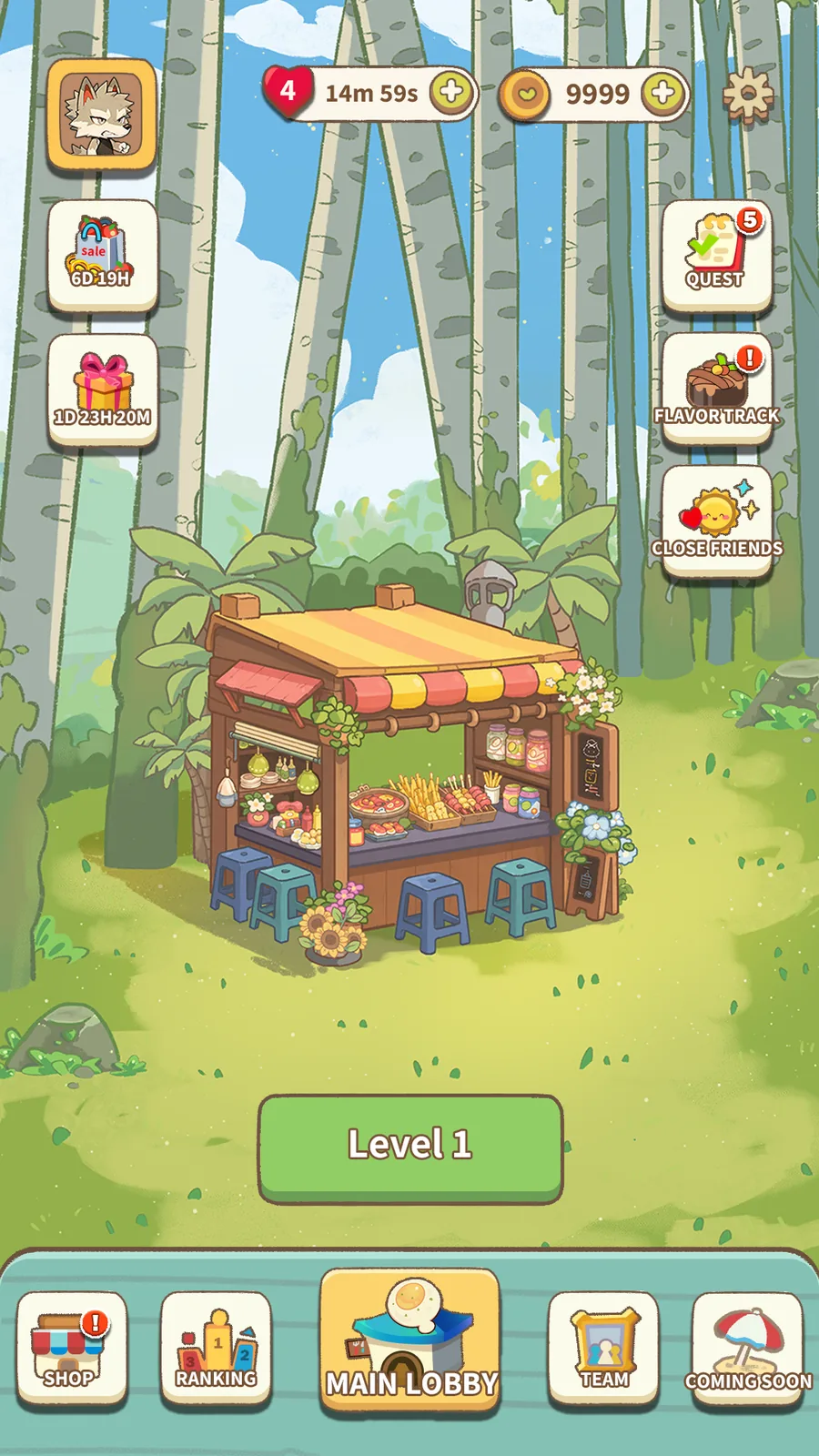
Tap the player button at the top left of the lobby. Your Player Code appears in the profile window, and the copy button copies it. You can also copy it on the Friends screen. Include this code when you contact us.
Can I play offline?
No. You need a connection to the server to start a level. Without one you can still open the lobby, but levels won't start. If a connection warning appears during a level, the timer stops until you're back online. A level result that couldn't be sent is saved and sent once you reconnect.
How do I delete my account?
Tap the “Delete account” button in the Settings list. There is a seven-day grace period, and if you open the game again during that time you can cancel the deletion. If you've already removed the app, you can request deletion on the account deletion page below.
How many levels are there?
There are currently 350 levels.
Which languages are supported?
The game supports 12 languages: Korean, English, Japanese, Chinese (Simplified and Traditional), Vietnamese, Thai, German, French, Spanish, Portuguese and Russian.